
How to Tackle P1125: The Intermittent Throttle Position Sensor Fault — A DIY Guide Featuring iCarsoft CR Eagle
When your vehicle triggers the P1125 code, it's a clear sign that something isn't right with the throttle position sensor (TPS). This fault—officially known as "Throttle Position Sensor Circuit Intermittent Malfunction"—can lead to hesitations in acceleration, rough idling, and even unexpected stalling. Let’s walk through what this means, how to diagnose it, and why the iCarsoft CR Eagle is an ideal tool for the job—especially for those tackling DIY throttle position sensor repair.
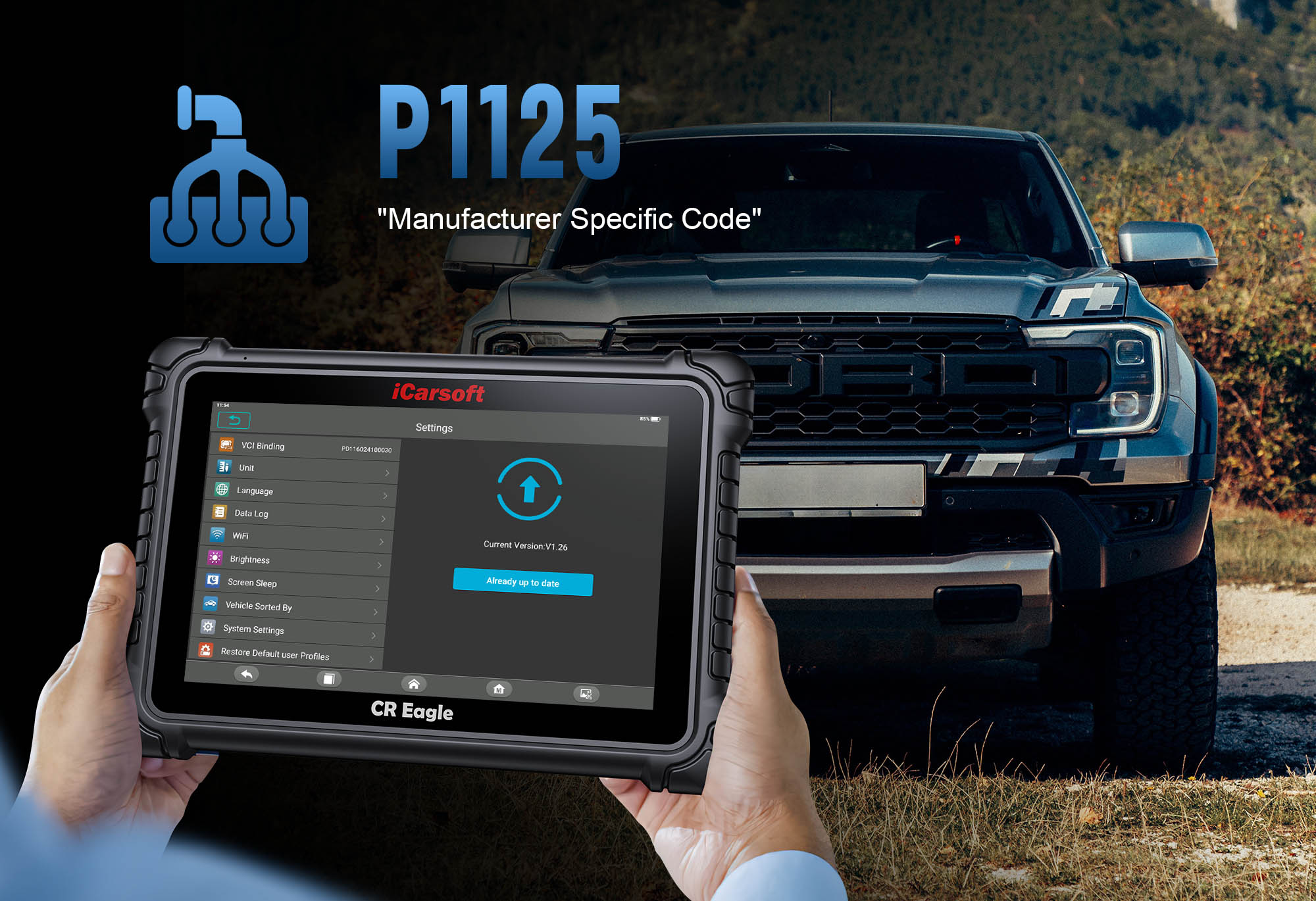
What Does the P1125 Code Mean?
- Definition: The P1125 code indicates an intermittent or unstable signal from the TPS to the engine control module (ECM)—a manufacturer-specific fault, often seen in vehicles like Toyota, Ford, Citroën, Peugeot, and Land Rover.
-
Symptoms to Watch For:
- Check Engine Light turns on
- Jerky acceleration or throttle response
- Rough or unstable idle
- Sudden loss of engine power or stalling
Common Causes of an Intermittent TPS Fault
| Cause | Description |
|---|---|
| Worn or Faulty TPS | Over time, the sensor can degrade and give erratic voltage readings, causing intermittent signal drops. |
| Loose or Corroded Wiring/Connectors | Electrical connections may degrade or become loose due to vibration or exposure, disrupting signal transmission. |
| Dirty Throttle Body | Build-up can inhibit smooth throttle movement, affecting TPS readings and causing intermittent signal issues. |
| ECM Software Glitches | Less common, but outdated or corrupted ECM software may misinterpret TPS signals, triggering false faults. |
| Throttle Mechanism Wear | Physical wear or mechanical misalignment can intermittently disrupt the TPS signal as the throttle opens/closes. |
Step-by-Step: Diagnose & Fix P1125 with CR Eagle
-
Plug in CR Eagle
Connect the unit to your vehicle’s OBD-II port. Its user-friendly 10.1" touchscreen and Android interface make navigation a breeze, even for beginners.
-
Scan for Faults
Instantly retrieve the P1125 code and get clear fault descriptions, including manufacturer-specific details for your vehicle make.
-
Monitor Live TPS Data
View live voltage readings in dynamic graph format—CR Eagle displays clear 4-in-1 graphs for real-time analysis of TPS signal stability.
-
Inspect Wiring & Connectors
Look for signs of corrosion, looseness, or damage in the TPS wiring harness. Secure or clean connections with electrical contact cleaner as needed.
-
Test Sensor Output
Observe if voltage fluctuates unexpectedly (e.g., bouncing between 0.5V and 3V while idle)—a telltale sign of a failing TPS. Use CR Eagle’s voltage test to confirm readings.
-
Decide Repair Strategy
If the sensor itself is faulty, replace the TPS (a straightforward, budget-friendly fix). Fix wiring issues or clean throttle components if that’s the culprit.
-
Reset the Code & Retest
Use CR Eagle to clear the fault and reset the ECM. Drive the vehicle to confirm the fault doesn’t return and that throttle response is smooth again.
Why the iCarsoft CR Eagle Stands Out for DIY Repairs
Navigating diagnostics feels seamless with its large 10.1" display and familiar Android environment, perfect for DIYers.
Dynamic 4-in-1 graphs visualize TPS voltage fluctuations, making it easy to spot intermittent signal anomalies.
Engage system components directly to simulate throttle inputs, pinpointing whether issues stem from TPS or ECM.
Keep your tool up to date with the latest vehicle coverage via Wi-Fi, ensuring compatibility with new makes/models.
Includes extra functions like EPB reset, DPF regeneration, and TPMS programming—beyond just TPS diagnostics.
Works with OBD-II and older OBD-I vehicles, covering US, European, and Asian makes (Toyota, Ford, etc.) prone to P1125.
Unlocking the Mystery of the P1125 Code: A DIY Throttle Position Sensor Repair with iCarsoft CR Eagle
If your car is acting sluggish, idling rough, or throwing a P1125 fault, you're not alone. In this guide, discover how to diagnose and fix intermittent TPS faults using the intuitive iCarsoft CR Eagle scanner—without the high shop bill.
Final Thoughts
Fixing a P1125 intermittent throttle position sensor fault may sound technical, but with clear guidance and the right tool—like the iCarsoft CR Eagle—it’s genuinely within reach for DIYers. Its mix of live data visualization, bi-directional testing, and convenient touchscreen interface makes diagnosis fast, accurate, and repeatable.