
Diagnose & Clear P200D with iCarsoft CR MAX BT: Fix Intake Manifold Runner Control Stuck Closed (Bank 1)
If your check engine light illuminates and a scan returns P200D, your vehicle’s engine management system is signaling a problem with the Intake Manifold Runner Control (IMRC) system. This OBD-II code stands for "Intake Manifold Runner Control Circuit/Open (Bank 1)"—indicating the Engine Control Module (ECM) has detected that the IMRC valve or actuator for Bank 1 is stuck in the closed position or has an electrical fault in its circuit.
The IMRC system optimizes engine performance by adjusting intake manifold runner length/path: closed runners boost low-speed torque (via higher air velocity), while open runners increase high-speed power (via greater airflow). When P200D occurs, Bank 1’s runners stay closed—causing sluggish high-RPM acceleration, rough idling, and reduced fuel efficiency. Basic scanners can’t test actuator movement or linkage alignment, but the iCarsoft CR MAX BT’s advanced features simplify pinpointing the issue.
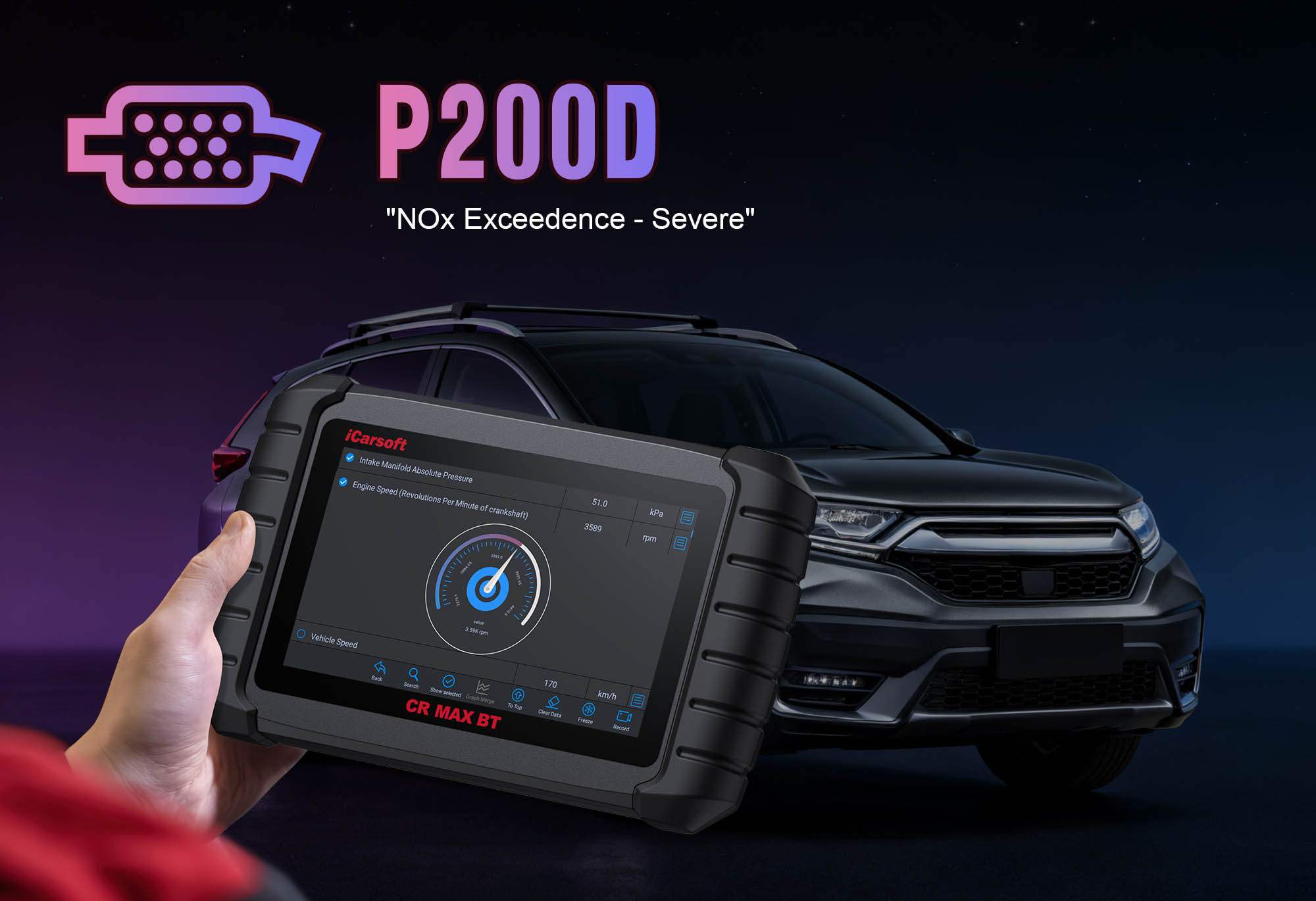 iCarsoft CR MAX BT displaying IMRC actuator voltage, position data, and bi-directional control status for P200D diagnosis
Understanding P200D: Causes & Key Symptoms
A stuck-closed IMRC system on Bank 1 (the cylinder bank containing cylinder #1) disrupts airflow balance—here’s what to watch for:
Key Symptoms of P200D
- Check Engine Light: Illuminates when the ECM detects the IMRC actuator doesn’t respond to "open" commands for 2+ drive cycles.
- Reduced High-Speed Power: Closed runners restrict airflow at >4000 RPM, causing sluggish acceleration (e.g., lag when merging onto highways).
- Rough Idle/Misfires: Improper low-speed airflow disrupts combustion in Bank 1 cylinders, leading to vibrations or misfire codes (e.g., P0301).
- Increased Fuel Consumption: Poor air-fuel mixture lowers MPG by 10–15% as the engine compensates for restricted airflow.
- Emissions Issues: Unoptimized combustion raises hydrocarbon (HC) levels, risking failed emissions tests.
- Actuator Noises: A faulty actuator may produce clicking/grinding sounds when the engine starts or accelerates (sign of jammed gears).
Common Causes of P200D
| Cause | Description |
|---|---|
| Faulty IMRC Actuator | Failed electric motor (or vacuum diaphragm) prevents the actuator from opening runners—accounts for ~40% of P200D cases. |
| Stuck IMRC Valves/Runners | Carbon buildup, debris, or corrosion jams mechanical linkage, keeping runners closed (common in direct-injection engines). |
| Damaged Wiring/Connector | Frayed wires, corroded terminals, or loose plugs disrupt voltage flow to the actuator (worsened by engine heat). |
| Broken Linkage | Snapped rods, disconnected clips, or bent levers between the actuator and runners prevent movement. |
| Vacuum Leaks (Vacuum-Actuated Systems) | Leaky hoses or diaphragms reduce vacuum pressure, stopping the actuator from opening runners. |
| ECM Malfunction (Rare) | Faulty ECM sends incorrect commands to the actuator, paired with communication codes (e.g., U0100). |
Why iCarsoft CR MAX BT Excels at Diagnosing P200D
The CR MAX BT eliminates guesswork by targeting IMRC system-specific faults:
Send direct "open/close" commands to the IMRC actuator—verify movement to distinguish mechanical (stuck) vs. electrical (no power) issues.
Track actuator voltage in real time (12V for "open," 0V for "close")—spot drops/spikes that indicate wiring or ECM faults.
Preloaded schematics show Bank 1 IMRC location (intake manifold), actuator position, and linkage paths for 80+ makes (Ford, BMW, Audi, Volvo).
Cross-reference Bank 1 (faulty) with Bank 2 (if equipped) to highlight discrepancies in actuator response or voltage.
Integrates engine hours/maintenance data to flag carbon-related sticking (critical for direct-injection vehicles).
For vacuum-actuated systems, measure pressure at the actuator (15–20 inHg normal) to identify leaks.
Step-by-Step: Diagnose P200D with iCarsoft CR MAX BT
-
1. Connect & Confirm the Code
Plug the CR MAX BT into the OBD-II port and pair with the app (30-second Bluetooth setup).
Select your vehicle via Auto VIN Scan (instant VIN read) or manual entry (make/model/year/engine—critical for Bank 1 identification).
- Navigate to Engine > Fault Codes > Read Codes to confirm P200D.
- Tap Code Details for vehicle-specific insights (e.g., "Ford: IMRC Actuator Bank 1 – No Response to Open Command"). -
2. Locate the IMRC System (Bank 1)
Use the CR MAX BT to avoid misidentifying components:
- Go to Component Location > Engine > Intake System > IMRC (Bank 1).
- The 3D diagram shows: Bank 1 = cylinder bank with cylinder #1; the IMRC actuator is mounted on the intake manifold (usually near the throttle body) with a linkage to runner valves.
- Note: For V-engines, Bank 1 is typically the front bank (e.g., Bank 1 = cylinders 1-3-5 on a V6). -
3. Test Actuator Response with Bi-Directional Control
Active testing is key to isolating mechanical faults:
- Ensure the engine is off and the parking brake is engaged.
- Navigate to Special Functions > Engine > IMRC Control > Actuator Test (Bank 1).
- Select "Open" then "Close" commands:
- Functional actuator: Audible movement + visible linkage motion (use the app’s diagram to find access points).
- No movement/sound: Stuck actuator, broken linkage, or no power to the circuit. -
4. Analyze Live Voltage & Position Data
Verify electrical functionality:
- Turn the ignition to "On" (engine off).
- Go to Engine > Live Data > Intake System and monitor:
1. "IMRC Actuator Voltage (Bank 1)": Should jump to 12V when "Open" is commanded, drop to 0V for "Close." Erratic readings = wiring fault.
2. "IMRC Position Sensor (if equipped)": Should switch from "Closed" → "Open" with actuator movement. Stuck at "Closed" = mechanical jam.
- Compare to Bank 2 (if applicable): Normal voltage/position confirms Bank 1-specific issues. -
5. Inspect the IMRC Actuator, Linkage & Wiring
Address physical damage or contamination:
Actuator Inspection:
- Locate the actuator (via app diagram). Disconnect the electrical connector—check for oil/carbon buildup or cracked housing.
Linkage & Runners Check:
- Manually move the linkage (if safe) to test for free movement. Stiffness/jamming = carbon buildup—clean with intake cleaner (follow app’s Carbon Cleaning Guide).
- Inspect for broken rods, disconnected clips, or bent levers (common in high-mileage vehicles).
Wiring & Connector Check:
- Follow wiring from actuator to ECM (app diagram). Look for frayed insulation or burns (near exhaust components).
- Clean the connector with electrical contact cleaner—corrosion often causes voltage drops. -
6. Test the IMRC Circuit’s Electrical Function
Validate actuator and wiring health:
Resistance Test (Electric Actuators):
- Disconnect the actuator. Use the app’s Multimeter Function to measure resistance across motor pins. Normal = 10–30 ohms (check app specs). Infinite/0 ohms = replace actuator.
Voltage Supply Test:
- With ignition "On," measure voltage at the actuator’s power pin (via connector). Normal = 12V. 0V = check IMRC fuse (app’s Fuse Guide) or ECM wiring.
Continuity Test:
- Check continuity between actuator connector and ECM (app diagram). Resistance >1 ohm = broken wire—repair with heat-shrink butt connectors. -
7. Check for Vacuum Leaks (Vacuum-Actuated Systems)
For systems using vacuum instead of electric motors:
- Navigate to Special Functions > Engine > Vacuum Test > IMRC Circuit.
- The app measures vacuum pressure at the actuator: Normal = 15–20 inHg when "Open" is commanded.
- Pressure drops = leaks in hoses/diaphragms—replace with OEM parts (follow app’s Vacuum Repair Guide). -
8. Repair & Clear P200D
Fix the root cause (prioritize test results):
- Replace the IMRC actuator (OEM parts recommended—use app’s Part Lookup).
- Clean carbon buildup from runners/linkage with specialized intake cleaner (avoid harsh chemicals).
- Repair broken linkage (replace rods/clips per app’s Linkage Repair Guide).
- Fix wiring issues; replace corroded harnesses.
- Repair vacuum leaks (replace hoses/diaphragms) in vacuum-actuated systems.
Clear the Code: Go to Engine > Fault Codes > Clear Codes to delete P200D. -
9. Validate the Repair
Confirm IMRC system functionality:
- Re-run the Actuator Test: Verify smooth "open/close" movement with no sticking.
- Test drive: Accelerate to 4000+ RPM to check for improved power; idle for 5 minutes to confirm no roughness.
- Monitor live data: Ensure the actuator opens at high RPM (>3500) and closes at low RPM (<2000).
- Re-scan: No P200D recurrence = successful repair.
Preventing P200D Recurrence
The CR MAX BT helps maintain long-term IMRC reliability:
- Intake Cleaning Reminders: Use the app’s Service Reminder to clean intake manifolds/runners every 60,000 miles (40,000 for direct-injection engines).
- Actuator Maintenance: Inspect the IMRC actuator annually—lubricate linkage with silicone grease (avoid oil-based products).
- Wiring Protection: Secure actuator wiring away from hot components (exhaust manifolds, turbochargers) to prevent insulation damage.
- Vacuum System Checks: For vacuum-actuated systems, inspect hoses quarterly for cracks/loose connections.
- Regular Scans: Use the Quick Scan to test IMRC response during routine maintenance—catch sticking early.
Conclusion
P200D’s stuck-closed IMRC fault undermines engine performance and efficiency, but the iCarsoft CR MAX BT simplifies diagnosis with targeted tools. By combining bi-directional control, voltage monitoring, and 3D diagrams, it ensures you fix the root cause—whether replacing an actuator, cleaning carbon, or repairing linkage—avoiding costly misrepairs.
With the CR MAX BT, resolving "intake manifold runner control faults" becomes a precise, confidence-building process—keeping your engine’s airflow optimized for every driving condition, from low-speed torque to high-speed power.