
P2610 Code: Diagnose & Clear ECM/PCM Internal Controller Monitor Processor Fault with iCarsoft CR Pro S
If your check engine light stays on and you experience symptoms like unresponsive ignition, sudden stalling, or a vehicle that won’t start at all, a diagnostic scan will likely return P2610. This OBD-II code stands for "ECM/PCM Internal Controller Monitor Processor Fault," signaling a critical issue with the Engine Control Module (ECM) or Powertrain Control Module (PCM)—the "brain" of your vehicle’s powertrain.
The ECM/PCM manages every key function of your engine and transmission: fuel injection, ignition timing, emissions controls, and gear shifts. It relies on an internal "controller monitor processor" to self-check for software glitches, hardware failures, or corrupted data. When this processor detects an irrecoverable error (e.g., a failed circuit, corrupted firmware, or lost communication with critical sensors), it triggers P2610. Left unaddressed, this can lead to complete powertrain shutdown, as the ECM/PCM can no longer safely regulate engine operation.
Basic scanners may only flag "ECM fault" but can’t access the ECM/PCM’s internal diagnostics or distinguish between software glitches and hardware failures. The iCarsoft CR Pro S, with its deep ECM/PCM integration, firmware update capabilities, and system-wide communication tests, solves this. Let’s walk through how to diagnose and resolve P2610 with precision.
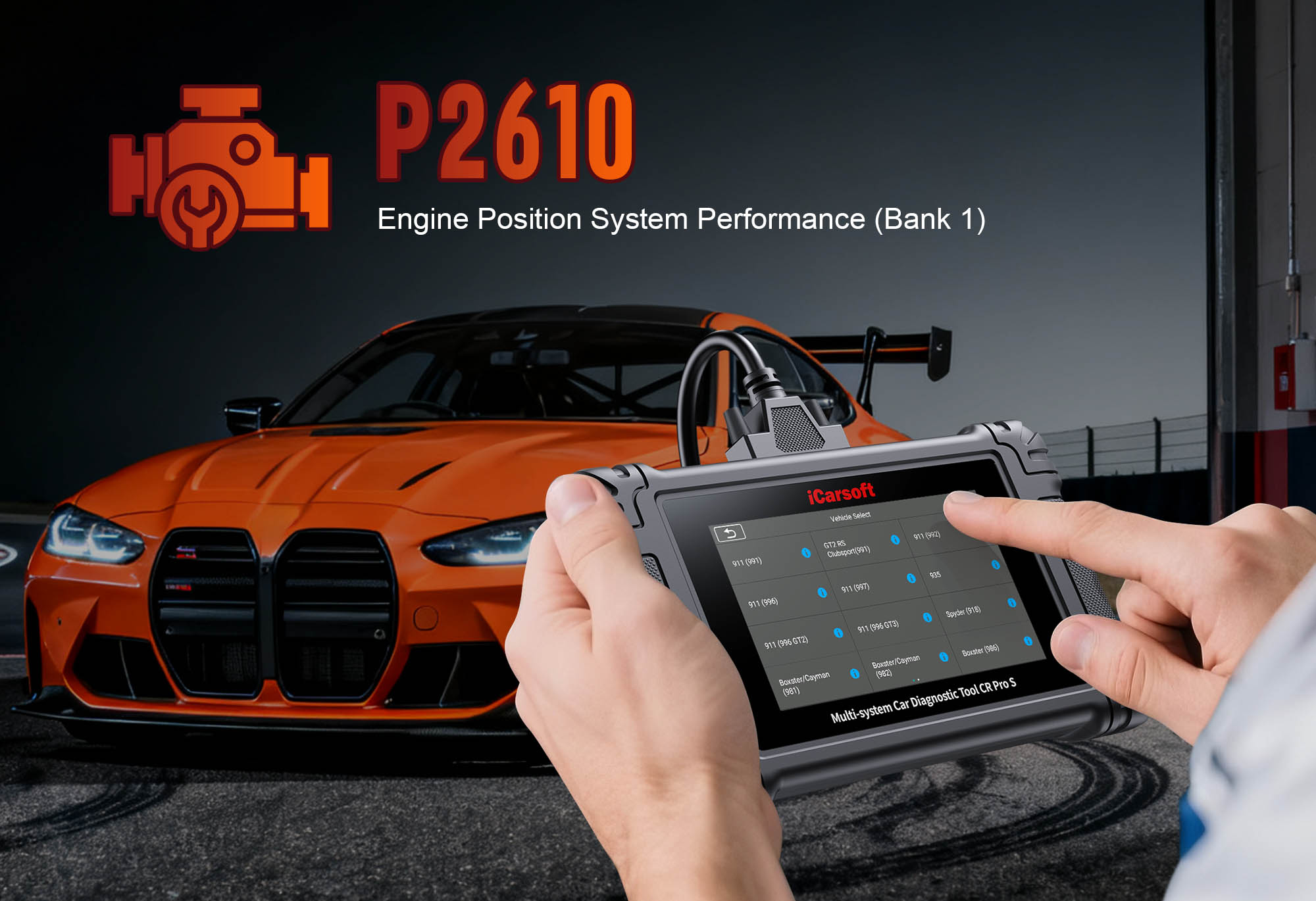
Understanding P2610: Causes & Key Symptoms
A faulty ECM/PCM internal controller disrupts the module’s ability to self-monitor and operate, leading to symptoms that directly impact drivability and safety—these clues help separate software glitches from hardware failures.
Key Symptoms of P2610
- No-Start Condition: The ECM/PCM fails to send ignition or fuel signals, leaving the engine unable to crank or start.
- Sudden Stalling: The engine shuts off unexpectedly while driving (idle or highway speed) as the controller detects a critical error.
- Unresponsive Controls: Power windows, radio, or climate control stop working—many electrical systems rely on ECM/PCM communication.
- Limp Mode Activation: The ECM/PCM locks the engine in low power (2,000–3,000 RPM), limiting speed to 30–40 mph to prevent damage.
- Intermittent Electrical Glitches: Dashboard lights flicker or the odometer resets—signs of corrupted ECM/PCM data.
- Failed Emissions Tests: The ECM/PCM can’t regulate emissions controls (EGR, catalytic converter), exceeding legal pollutant limits.
Common Causes of P2610
| Cause | Description |
|---|---|
| ECM/PCM Firmware Corruption | Outdated, damaged, or interrupted updates (e.g., dead battery during installation) break the controller’s self-monitoring. |
| Internal Hardware Failure | Burnt circuit board, failed capacitor, or damaged processor (caused by overheating, water intrusion, or voltage spikes). |
| Voltage Spikes/Electrical Surges | Incorrect jump-starting, faulty battery chargers, or shorted alternators fry the ECM/PCM’s internal components. |
| Water Intrusion | Moisture in the ECM/PCM housing (leaks, off-road use, floods) corrodes circuits and disrupts the controller. |
| Loose/Corroded Connectors | Poor contact between the module and wiring harness disrupts data flow, triggering false controller errors. |
| Aftermarket Modifications | Unauthorized software tweaks (e.g., performance tuning) corrupt the controller’s monitoring system. |
Why iCarsoft CR Pro S Excels at Diagnosing P2610
The CR Pro S outperforms basic tools with deep ECM/PCM diagnostic features, critical for isolating the root cause of P2610:
Accesses hidden self-diagnostic logs to identify specific controller failures (e.g., "processor communication loss" vs. "firmware corruption").
Installs manufacturer-approved firmware to fix corruption—no expensive dealer visits required.
Verifies ECM/PCM connections to sensors/actuators, ruling out external wiring issues.
Resets to factory defaults and guides relearn procedures (idle, transmission) after repairs.
Works with 500+ models (gasoline, diesel, hybrid) from Honda, Ford, Toyota, BMW, Mercedes-Benz, etc.
Built-in backup prevents voltage drops during scans/updates, avoiding ECM/PCM data corruption.
Step-by-Step: Diagnose P2610 with iCarsoft CR Pro S
-
Check for Obvious Electrical Issues First
1. Battery Voltage Test: Turn off accessories. Use CR Pro S’s Battery Voltage Test (System > Tools): Normal = 12.4–12.7V (off) / 13.5–14.5V (running). <12V = charge/replace battery. 2. Connector Inspection: Locate ECM/PCM (via Component Location tool). Disconnect harnesses, clean with contact cleaner, and check for bent pins/corrosion.
-
Connect the CR Pro S & Confirm the Code
1. Plug into OBD-II port (use OBDI adaptors for older models: Mercedes 38Pin, BMW 20Pin). 2. Select vehicle via Auto VIN Identify (instant specs) or manual entry. 3. Navigate to Engine > Fault Codes > Read Codes to confirm P2610. Tap Code Details for tips (e.g., "Honda Civic: Check ECM Firmware v2.5+").
-
Locate the ECM/PCM & Key Components
1. Go to Component Location > Engine > Powertrain Control > ECM/PCM. 2. Use the diagram to identify: - ECM/PCM Housing: Weatherproof box (plastic/metal) with 1–3 wiring harness connectors (A/B/C). - Wiring Harness: Cables to sensors, actuators, and battery (check for heat damage). - ECM/PCM Fuse: Dedicated fuse (use Fuse Guide to locate)—blown fuse causes false P2610.
-
Run an ECM/PCM Internal Diagnostic Scan
1. Navigate to Special Functions > Engine > ECM/PCM > Internal Diagnostics. 2. Select Full Controller Scan—the tool will: - Check for firmware corruption (e.g., "missing calibration files"). - Test internal circuits (power supply, processor communication, memory). - Log specific errors (e.g., "P2610-00: Processor Watchdog Timer Fault"). 3. Review results: - Software Fault: "Firmware corruption" or "outdated version" (fixable with update). - Hardware Fault: "Circuit failure" or "processor unresponsive" (needs module repair/replacement).
-
Test ECM/PCM Communication with Sensors/Actuators
1. Navigate to Engine > Live Data > ECM/PCM Communication. 2. Monitor critical components: - Crankshaft Position Sensor (CKP): Steady RPM signal (0–7,000 RPM). No signal = CKP fault (not ECM/PCM). - Fuel Injector Pulse Width: Fluctuates 2–10 ms. No pulse = ECM/PCM issue (if wiring is good). - Ignition Timing: Adjusts 10–30 degrees BTDC. Stuck timing = controller fault. 3. Run Sensor/Actuator Check: Tool sends test signals and verifies ECM/PCM responses. Failed tests = wiring/sensor fault.
-
Update ECM/PCM Firmware (Software-Related P2610)
1. Check for Updates: Go to System > Update Manager > ECM/PCM Firmware—tool detects current version and available updates. 2. Prepare for Installation: Use a battery maintainer (prevents power loss during update—interruptions corrupt ECM/PCM). 3. Install Update: Select Download & Install (takes 5–15 minutes). Re-run internal scan—P2610 clears if software was the issue.
-
Perform ECM/PCM Reset & Relearn
1. Factory Reset: Navigate to Special Functions > Engine > ECM/PCM > Reset to Factory Defaults—erases adaptive data. 2. Relearn Procedures: - Idle Air Control Relearn: Start engine, idle 5 minutes (no accelerator input). - Transmission Relearn: Test drive 20–60 mph for 10 minutes to re-calibrate shifts.
-
Rule Out Hardware Failure (If P2610 Persists)
1. Bench Test: Remove ECM/PCM (use Torque Guide). Send to a professional service to test for burnt circuits/failed processors. 2. Replacement & Coding: Install new OEM ECM/PCM (use Part Lookup). Use ECM/PCM Coding tool to program VIN, mileage, and config data.
-
Repair & Clear P2610
1. Fix the root cause: - Software Fault: Update firmware + reset module. - Electrical Issues: Clean/replace connectors, fix wiring, or replace blown fuse. - Hardware Fault: Repair/replace ECM/PCM + code with CR Pro S. 2. Clear the code: Navigate to Engine > Fault Codes > Clear Codes to delete P2610.
-
Validate the Repair
1. Re-run internal diagnostic scan—no errors should appear. 2. Test drive 40–50 minutes (stops, acceleration, highway): No stalling, limp mode, or warnings. 3. Post-drive scan: Use ECM/PCM System Scan after 100 miles to confirm P2610 doesn’t return.
Preventing P2610 Recurrence
Use the iCarsoft CR Pro S to protect your ECM/PCM and avoid future controller faults:
- Firmware Maintenance: Set Service Reminder to check for ECM/PCM updates every 6 months—manufacturers fix known bugs.
- Battery Care: Test the battery quarterly—weak batteries cause voltage drops that corrupt ECM/PCM data.
- Avoid Voltage Spikes: Remove the ECM/PCM fuse before jump-starting; use only OEM-approved battery chargers.
- Water Protection: Inspect the ECM/PCM housing yearly for leaks—seal cracks with weatherproof tape.
- Avoid Unauthorized Mods: Skip performance tuning that alters ECM/PCM software—these corrupt the controller’s monitoring system.
Conclusion
P2610’s ECM/PCM internal controller fault is a serious issue, but the iCarsoft CR Pro S turns overwhelming diagnostics into a manageable process. With deep module access, firmware updates, and communication tests, it ensures you fix the root cause—whether it’s a software glitch or a wiring issue—instead of replacing a costly ECM/PCM unnecessarily.
By using the CR Pro S to resolve P2610, you’ll restore your vehicle’s "brain" to full function, avoid unexpected breakdowns, and keep your powertrain running safely for miles to come.